
Let's Talk Car Listing Aspect Ratios
 AO from WheelStage·2 min read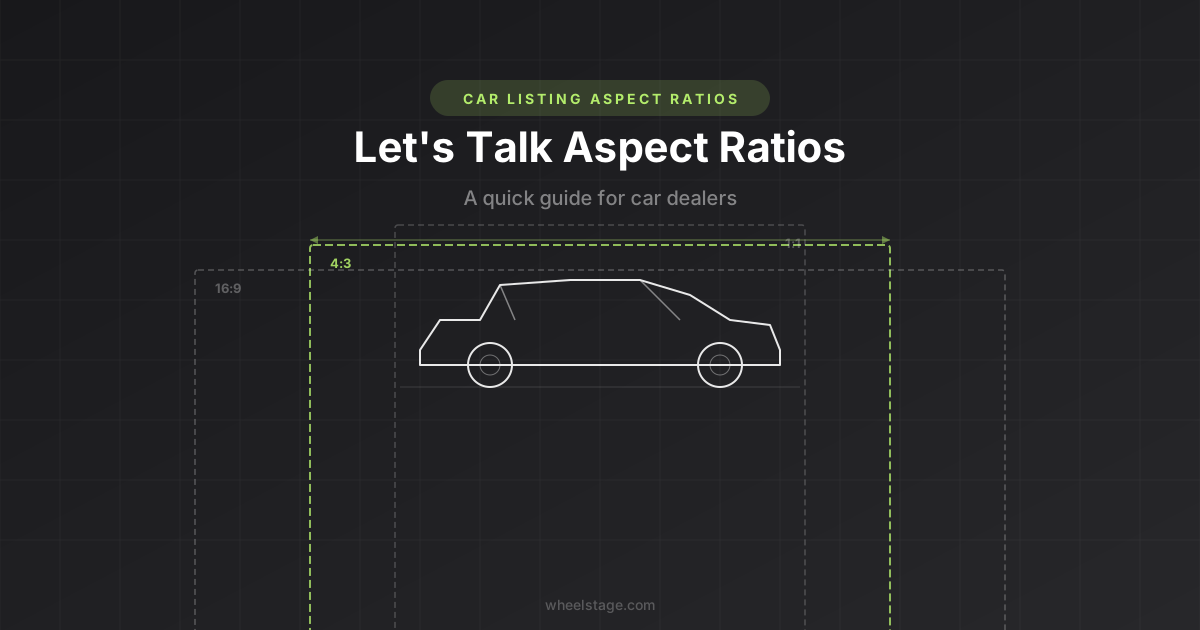
We just shipped an aspect ratio selector in WheelStage. Before you skip past it, here's the 2 minute version of why it exists and what you should set it to.
What even is an aspect ratio?
It's the shape of your image. A 4:3 image is slightly wider than it is tall. A 16:9 image is much wider (think widescreen TV). A 1:1 image is a square (think Instagram).
When you upload a car photo to a marketplace, the platform displays it in a specific shape. If your image doesn't match, it either gets cropped (losing parts of the car) or gets padded with ugly grey bars. Neither is ideal.
What do the major marketplaces use?
We pulled together the image specs for a long list of car listing platforms across the globe. Here's what we found, region by region.
North America
| Platform | Aspect Ratio | Notes |
|---|---|---|
| AutoTrader US | 4:3 | Landscape required, grey bars if not 4:3 |
| Cars.com | 4:3 | 2000px wide optimal for zoom |
| CarGurus | 4:3 / 16:9 | 16:9 for hero, 4:3 for gallery |
| eBay Motors | 4:3 | 1600px+ for zoom feature |
| AutoTrader Canada | 4:3 | Same spec as US, grey bars for non-4:3 |
| Kijiji Autos | Any | Min 300x300, no strict ratio |
| Craigslist | Any | No enforcement, auto-compressed |
| Bring a Trailer | Any | Focus on volume (80-150 photos) |
| Facebook Marketplace | 1:1 | Square crop in feed |
| Hemmings | Not documented | Up to 50 photos (Gold tier) |
| TrueCar | Not documented | Specs in dealer portal only |
Europe
| Platform | Country | Aspect Ratio | Notes |
|---|---|---|---|
| AutoTrader UK | UK | 4:3 | Grey bars added if not 4:3 |
| AutoTrader Ireland | Ireland | 4:3 | Same spec as UK |
| PistonHeads | UK | Not documented | Max 5MB, JPEG/PNG |
| Gumtree UK | UK | Not documented | ~800x600 recommended |
| Mobile.de | Germany | 4:3 | 1600x1200 recommended |
| AutoScout24 | Europe-wide | 4:3 | 1280x960 optimal |
| Leboncoin | France | 4:3 | Auto-crops to 4:3 in search results |
| Otomoto | Poland | 4:3 | Switched from 3:2 to 4:3 in 2024 |
| Marktplaats | Netherlands | ~1:1 | Serves square-cropped thumbnails |
| Blocket | Sweden | ~4:3 | Not officially documented |
| Bytbil | Sweden | Not documented | Major Swedish dealer platform |
| Finn.no | Norway | Not documented | Max 20MB, up to 100 images via feed |
| Tori.fi | Finland | Not documented | Same platform group as Finn.no |
| Nettiauto | Finland | Not documented | Finland's largest car marketplace |
| Subito.it | Italy | Not documented | Min 200x150, watermarked |
| Coches.net | Spain | Not documented | Supports 45-84 photos per listing |
| Standvirtual | Portugal | Not documented | Part of OLX Group |
Australia & New Zealand
| Platform | Country | Aspect Ratio | Notes |
|---|---|---|---|
| Carsales.com.au | Australia | 3:2 | 2400x1600, crops to square on mobile |
| CarsGuide.com.au | Australia | ~3:2 | Inferred from ad tiles |
| Gumtree Australia | Australia | Not documented | Max 10MB |
| Trade Me Motors | NZ | ~2:1 | Wider format for gallery view |
| AutoTrader NZ | NZ | 4:3 | Same spec family as global AutoTrader |
Middle East & Other
| Platform | Region | Aspect Ratio | Notes |
|---|---|---|---|
| Dubizzle | UAE | Not documented | Max 5MB, up to 20 photos |
| AutoTrader SA | South Africa | Not documented | Has AI-powered image management |
The pattern
4:3 dominates globally. AutoTrader (US, UK, Canada, Ireland, NZ), Cars.com, CarGurus, Mobile.de, AutoScout24, Otomoto, Leboncoin, and eBay Motors all use it. Even platforms that don't officially document a ratio tend to display images in 4:3 frames.
The notable outliers:
- Facebook Marketplace crops to 1:1 (square) in the feed
- Carsales.com.au uses 3:2
- Trade Me Motors (NZ) uses a wider ~2:1 format
- Marktplaats (Netherlands) serves square thumbnails
Should you actually care?
Honestly? If you're listing on AutoTrader, Cars.com, Mobile.de, AutoScout24, or pretty much any major marketplace in the US, UK, or Europe — just leave it on 4:3 (our default) and forget about it. You're covered.
The only time you'd want to change it:
- Listing primarily on Facebook Marketplace — consider 1:1
- Listing on Carsales.com.au or CarsGuide — consider 3:2
- Creating social media content — 16:9 works well for YouTube thumbnails and website banners
For most dealers, the default works. We checked so you don't have to.
How to set it in WheelStage
Two places:
- Preset settings — Go to Settings and pick your default ratio (4:3, 3:2, or 16:9). This applies to all future generations.
- Per-batch override — When uploading photos, click the preset pill above the upload area. You can change the ratio for just that batch without touching your defaults.
That's it. Short one today. Back to building.

Written by
AO from WheelStage
Car owner and enthusiast, founder of WheelStage.